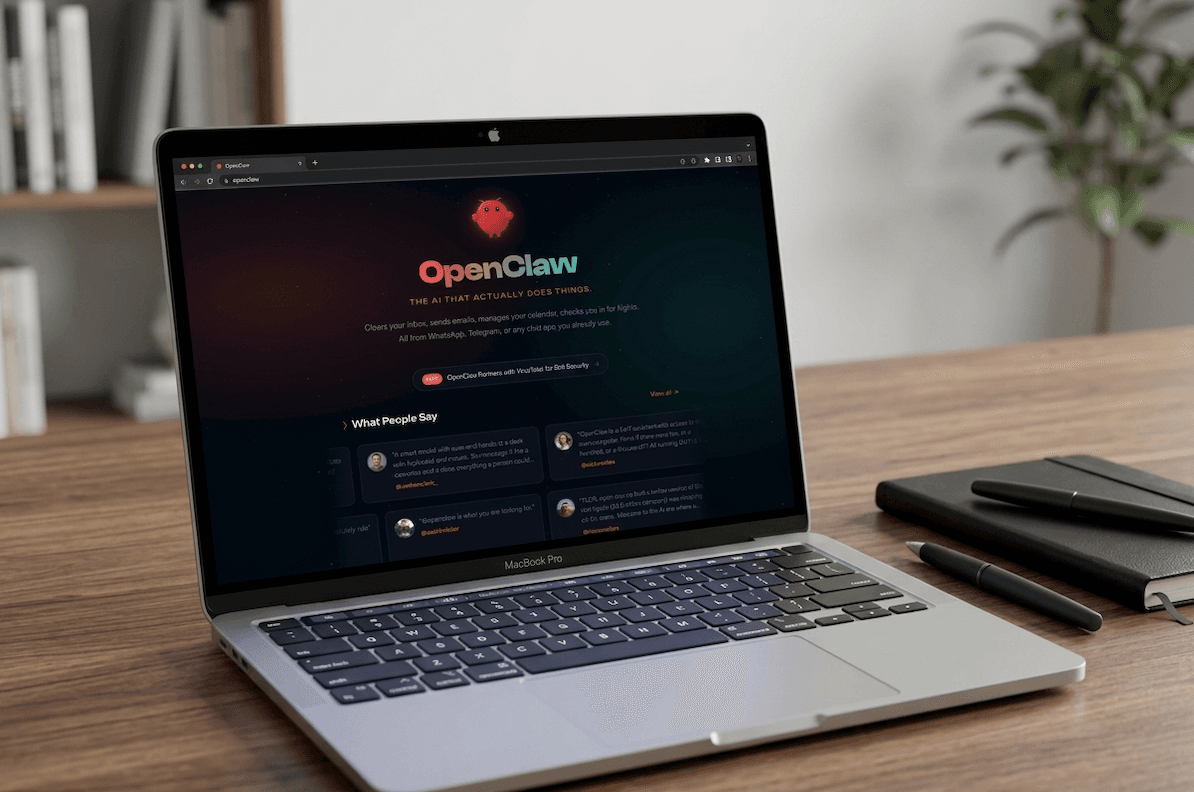
In November 2025, an Austrian developer named Peter Steinberger published a side project - a personal AI assistant that could actually do things on your computer. Not just chat. Not just generate text. It could read your emails, draft responses, schedule meetings, research topics, and push updates to your CRM. All from a single conversational interface.
He called it Clawdbot. Then Anthropic's lawyers sent a letter, and it became Moltbot. Three days later, it became OpenClaw. The name stuck. The project exploded.
211,000 GitHub stars in roughly three months. For context, it took React eight years to reach that number.
Something real is happening here. The question is whether it's real enough to bet your business on.
What OpenClaw Actually Does
Strip away the hype and OpenClaw is, at its core, an AI agent framework that runs on your own hardware. You give it access to your tools - Gmail, Slack, Notion, Google Calendar, your CRM - and it uses large language models to understand your instructions and execute multi-step workflows.
The key difference between OpenClaw and a chatbot is autonomy. A chatbot answers questions. OpenClaw takes actions. You say "find all leads from last week that haven't been contacted, draft a personalized follow-up for each one, and schedule them to send tomorrow morning." OpenClaw does it.
Here's what businesses are actually using it for:
Email Triage and Response
OpenClaw connects to your inbox, categorizes incoming messages by urgency and topic, drafts responses for routine inquiries, and flags anything that needs human attention. For a business that receives 200+ emails per day, this alone can save 2–3 hours of daily admin work.
Research and Competitive Intelligence
Need a summary of what your competitors announced this quarter? A breakdown of regulatory changes in your industry? OpenClaw can crawl public sources, compile findings, and deliver a structured brief - the kind of work that used to take a junior analyst a full day.
Document Drafting
Proposals, contracts, reports, meeting summaries. OpenClaw can generate first drafts from templates and context, then refine them based on your feedback. It won't replace your best writer, but it can handle the 80% of business writing that follows predictable patterns.
CRM and Lead Management
Connect it to HubSpot, Salesforce, or Pipedrive and OpenClaw can update records, log interactions, score leads based on criteria you define, and generate pipeline reports. The manual data entry that sales teams hate? Gone.
Scheduling and Calendar Management
It reads your availability, proposes meeting times, sends invitations, handles rescheduling requests, and can even prepare pre-meeting briefs based on attendee context. Think of it as an executive assistant that never sleeps.
The magic isn't any single capability - it's the combination. OpenClaw handles the connective tissue between tools that usually requires a human to copy-paste, context-switch, and manually coordinate. That's where most office time actually goes.
The Paperclip Experiment - AI Agents as a Company
Here's where things get genuinely wild.
A tool called Paperclip emerged in early 2026 that organizes OpenClaw agents into actual company structures. Not metaphorically - literally. You define an org chart. An AI CEO agent delegates to a CTO agent, who delegates to engineering agents. Each agent has:
- A defined role with specific responsibilities
- A monthly budget - hit the limit and the agent stops working
- Goal alignment - every task traces back to a company mission
- A full audit trail - every decision, tool call, and conversation logged
This sounds like science fiction, but teams are already running it. The idea isn't to replace every human employee - it's to create an AI layer that handles routine operational work while humans focus on strategy, relationships, and creative decisions.
A five-person agency running Paperclip with OpenClaw agents effectively operates like a 15-person team - with the AI handling research, first-draft content, data entry, scheduling, and reporting.
Is this the future of work? Maybe. Is it ready for your business today? That depends on how much risk you're comfortable with.
The Security Problem Nobody Wants to Talk About
OpenClaw's greatest strength - broad access to your tools and data - is also its most serious vulnerability. And this isn't theoretical.
The ClawHub Incident
In February 2026, Cisco's security research team reported that several popular OpenClaw skills available on ClawHub - the community marketplace for OpenClaw extensions - were quietly exfiltrating users' entire Discord message histories. The data was being sent to unknown endpoints via Base64-encoded chunks. Not a hypothetical attack. A real one, affecting real users who installed community-contributed skills without auditing them.
The China Ban
In March 2026, Chinese authorities restricted state-run enterprises and government agencies from running OpenClaw on office computers. The stated reason: potential security risks from the broad system permissions the tool requires.
The Fundamental Tradeoff
OpenClaw needs access to your email, calendar, files, and messaging platforms to be useful. A misconfigured instance - or one running a compromised skill - has access to everything. For a solopreneur experimenting with automation, the risk might be acceptable. For a business handling client data, financial information, or anything covered by privacy regulations, it's a serious concern.
Before connecting OpenClaw to any business system that contains client data, ensure you have: (1) audited every skill/extension you're running, (2) configured network-level access controls, (3) set up monitoring for unusual data transfers, and (4) checked your insurance and compliance obligations. This is not optional.
Honest Assessment - Where OpenClaw Fits
After spending several weeks testing OpenClaw with real business workflows, here's our honest take:
Where It Shines
- Personal productivity - email triage, research, scheduling, note-taking. Low risk, high reward.
- Internal operations - draft generation, data entry, report compilation. Things that don't touch client-facing systems directly.
- Prototyping workflows - figuring out what to automate before investing in production-grade solutions. OpenClaw is the best "automation sketchpad" available right now.
- Solo operators and freelancers - if you're a one-person shop, OpenClaw can genuinely give you the operational capacity of a small team.
Where It Struggles
- Production reliability - OpenClaw uses LLM inference for decision-making, which means it's probabilistic, not deterministic. The same instruction might produce slightly different results each time. For business processes where consistency is non-negotiable - invoicing, compliance workflows, customer-facing communications - this is a problem.
- Security at scale - the permission model is all-or-nothing. You can't easily say "access my calendar but not my email." Fine-grained access control is still immature.
- Error handling - when OpenClaw makes a mistake, it can cascade. It might send a draft email that wasn't ready, update a CRM record incorrectly, or schedule a meeting at the wrong time. Human oversight loops are essential but not yet well-designed in the tool.
The Pragmatic Middle Ground
For most small businesses, the right approach isn't "replace everything with OpenClaw" or "ignore it entirely." It's this:
- Use OpenClaw for exploration - figure out which workflows are automatable and what the gains look like
- Build production workflows with reliable tools - platforms like n8n, Make, or Retool where actions are deterministic and auditable
- Keep OpenClaw for the messy, creative, ad-hoc stuff - research, brainstorming, first drafts, data exploration
Think of OpenClaw as your smartest intern - incredibly capable, surprisingly fast, but you wouldn't hand them the keys to the client database on day one. Supervise, verify, and gradually expand trust as you learn its boundaries.
What We're Doing With It at servs.digital
We've integrated OpenClaw into our own internal workflows for research, competitive analysis, and first-draft content generation. It saves us roughly 15 hours per week across the team. But every client-facing deliverable still goes through human review, and our production automation pipelines run on deterministic tools.
For our clients, we offer OpenClaw setup and configuration as part of our automation services - including security hardening, skill auditing, and integration with existing business tools. The goal is to give businesses the productivity gains without the security headaches.
If you're considering OpenClaw for your team, the most important thing you can do is start small. Pick one workflow. Set up proper monitoring. Measure the results. Then decide whether to expand.
The Bigger Picture
OpenClaw's explosive growth - 211,000 stars in three months - isn't about one tool. It's a signal that the market desperately wants AI agents that do things, not just say things. The chatbot era is ending. The agent era is beginning.
The tools will get better. The security models will mature. The reliability will improve. But the businesses that start experimenting now - carefully, with proper guardrails - will have a significant head start when these tools become enterprise-ready.
And based on the pace of development, that's not years away. It's months.